Workzone & sites
A 2.5D field, map, plan and crew in one place. Trees keep their cards, photos and progress.
 BaumdienstFlow
 · Musterfirma
Plan the crew in Workzone, work in the field and keep equipment, repairs and timber connected. A clear workspace for each role, on desktop and phone.
Shown: sample company Baumdienst Musterstadt GmbH. All people and data are fictitious.

Workzone
Workflows keep the same equipment, crew and site identity. Simple views for daily work, detail when needed.
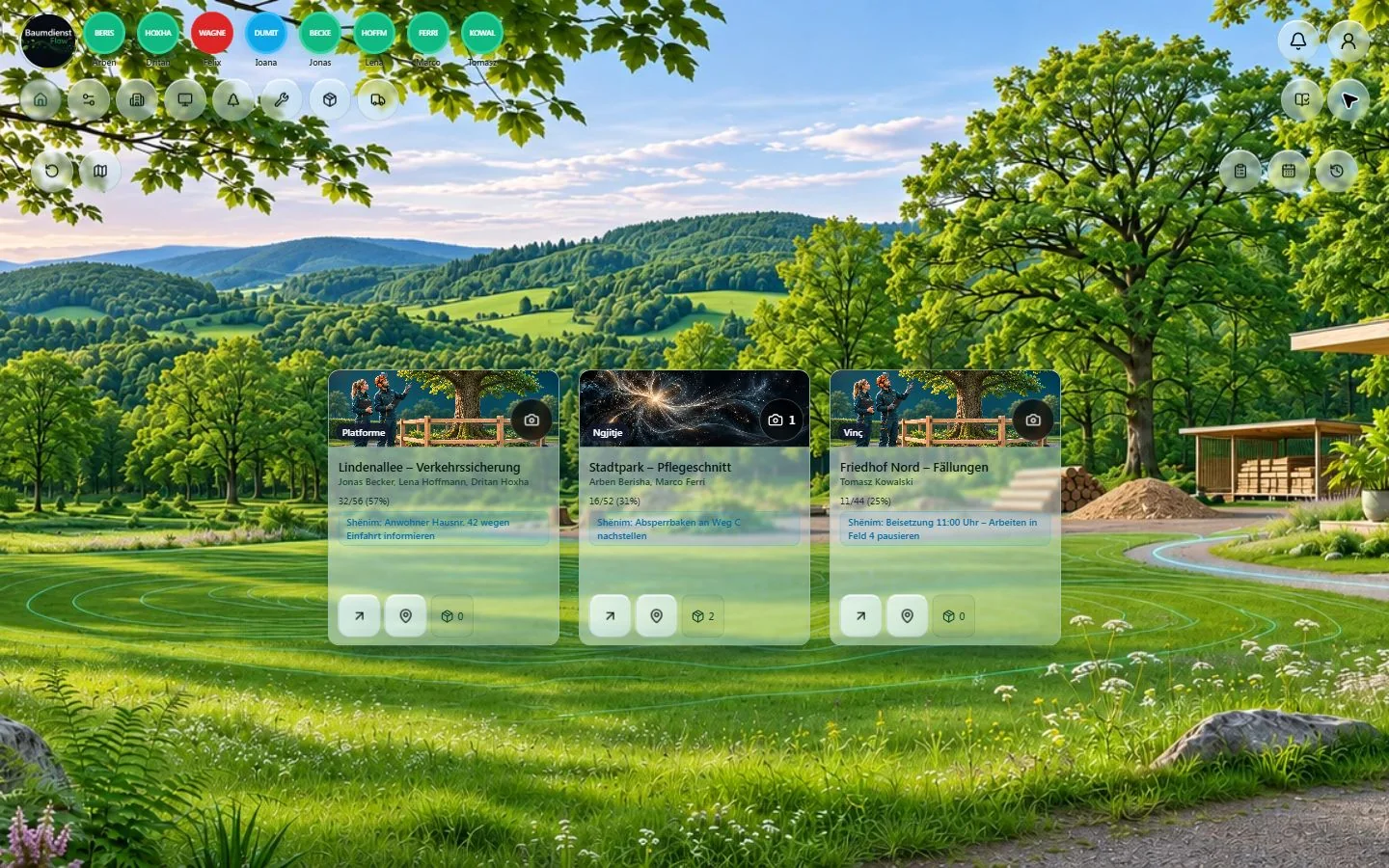
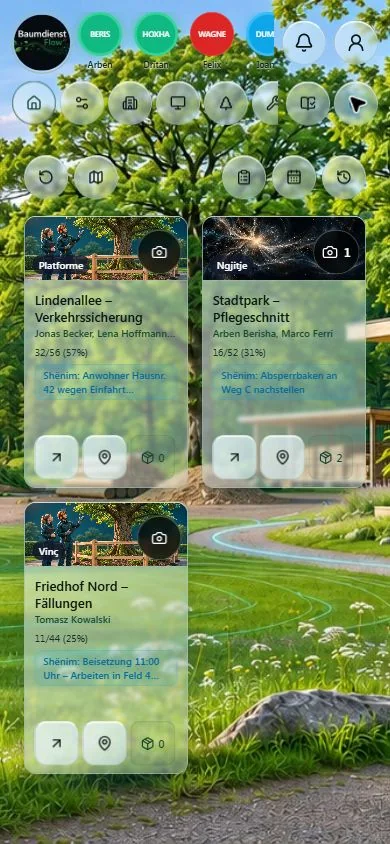
Actual Musterfirma demo captures · fictional data · 13–14 Nov 2026
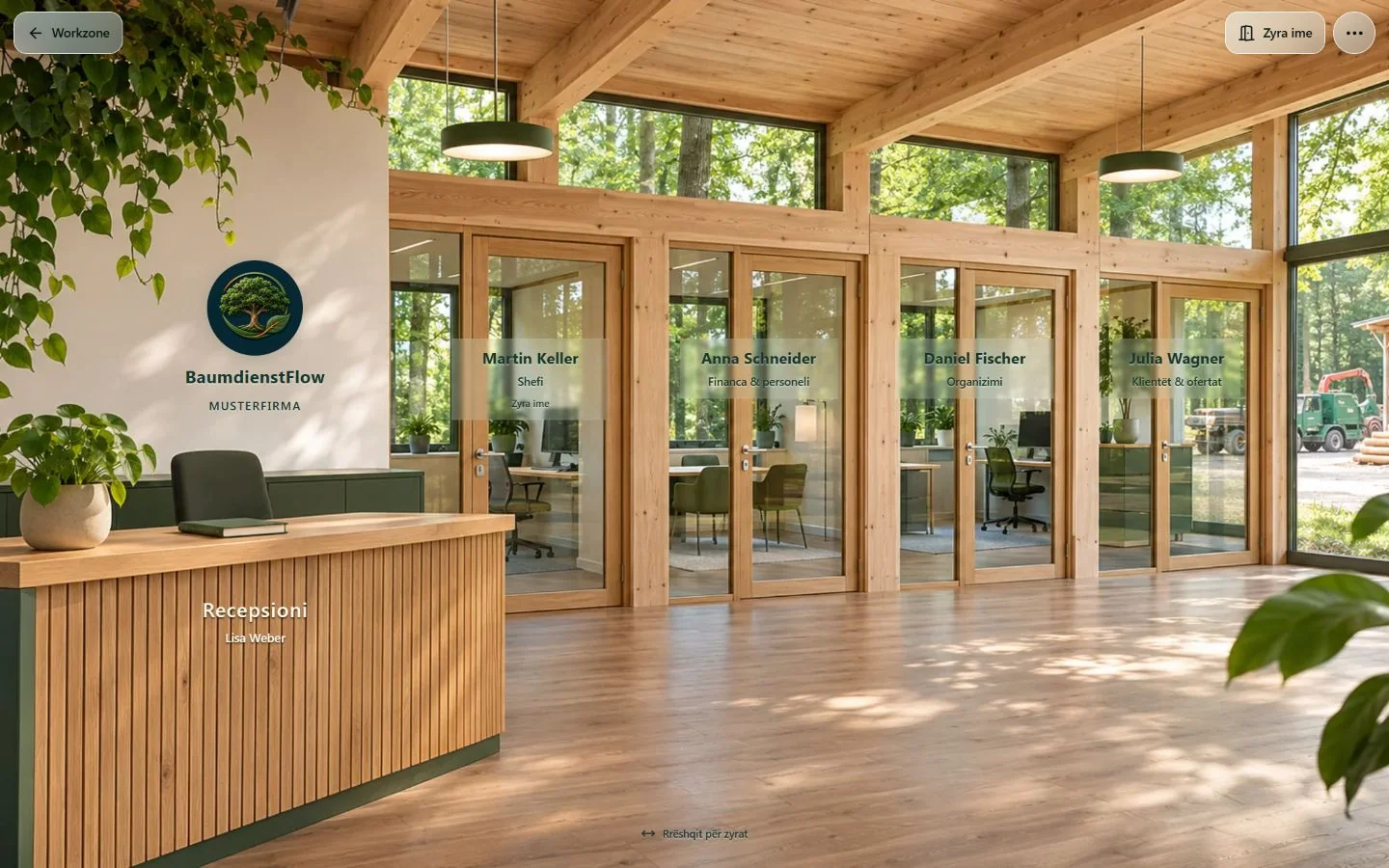
Offices
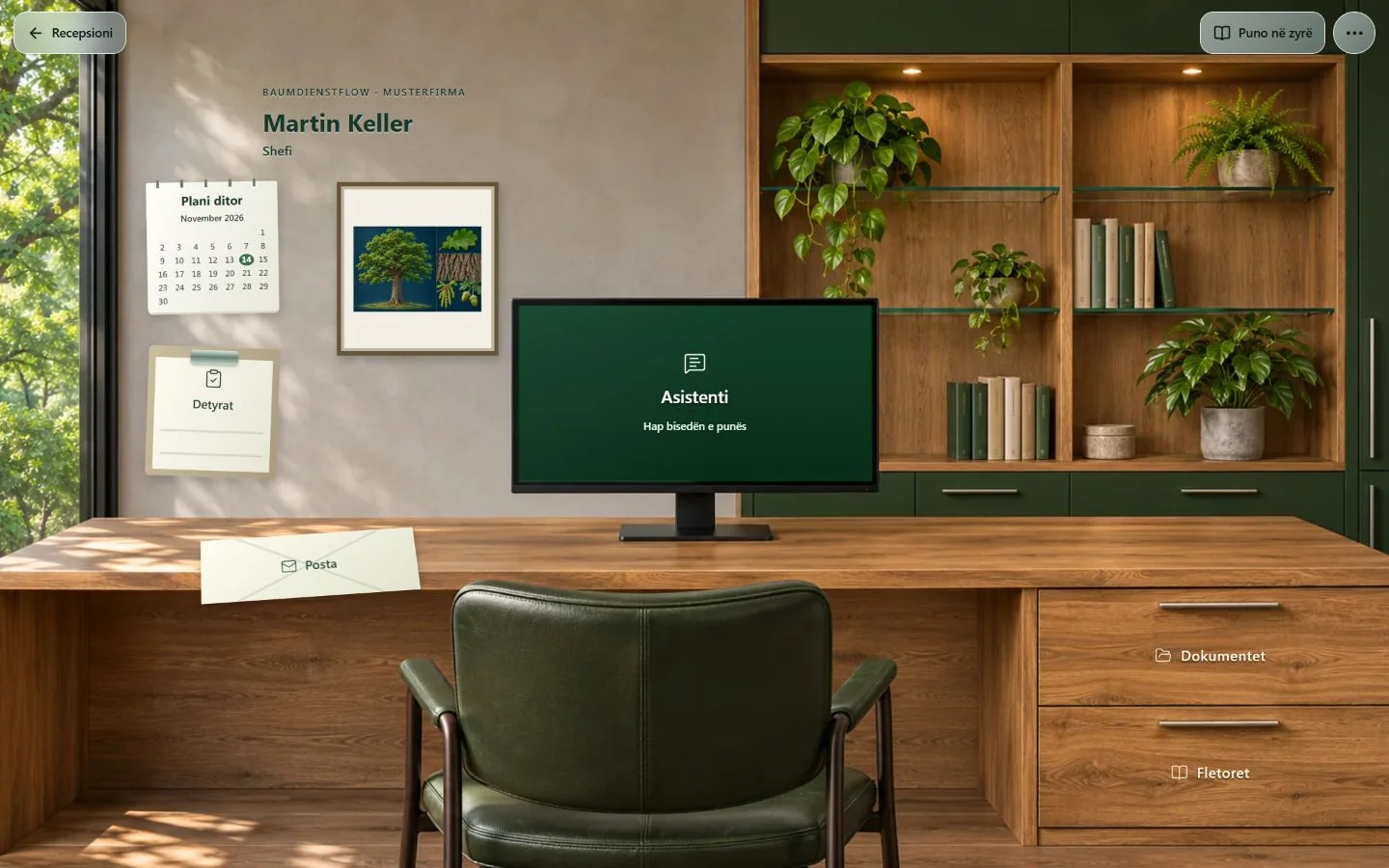
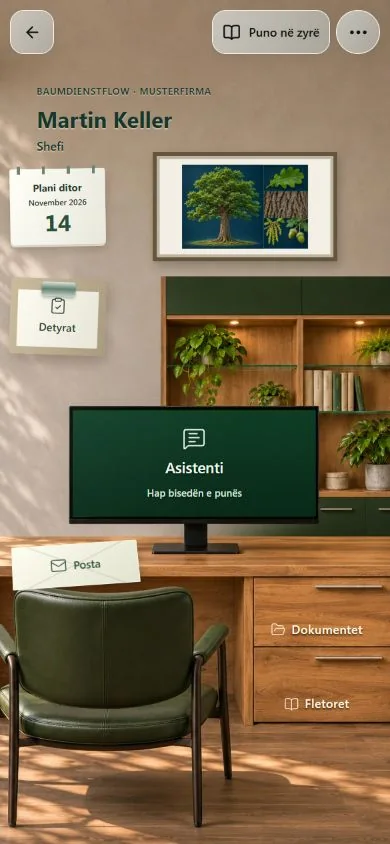
From reception to a personal 2.5D office: documents, tasks and the assistant live where they belong. The space adapts to a phone and to daylight or evening.
The office assistant is enabled in Musterfirma with fictional data and daily limits. Work-email integration is planned.
Processes
Workflows keep the same equipment, crew and site identity. Simple views for daily work, detail when needed.
A 2.5D field, map, plan and crew in one place. Trees keep their cards, photos and progress.
Tree form, leaf, bark and flowers help orientation. Learning illustrations, not automatic identification of a real tree.
Barcode or NFC for equipment, confirmed handovers and shared history. Uploaded photos take priority over AI illustrations.
Accepted → repairing → repaired → released. Parts, documents and history stay linked to the asset.
Plate-based identity, optional extra barcode. Availability and HU/SP/UVV are clear on compact cards.
Timber comes from the site, passes editable phases and becomes packaged stock or a sale. Repairs remain a separate workflow.
Musterfirma
The following images are application captures, not generated interfaces. The company, names and records are fictional examples.
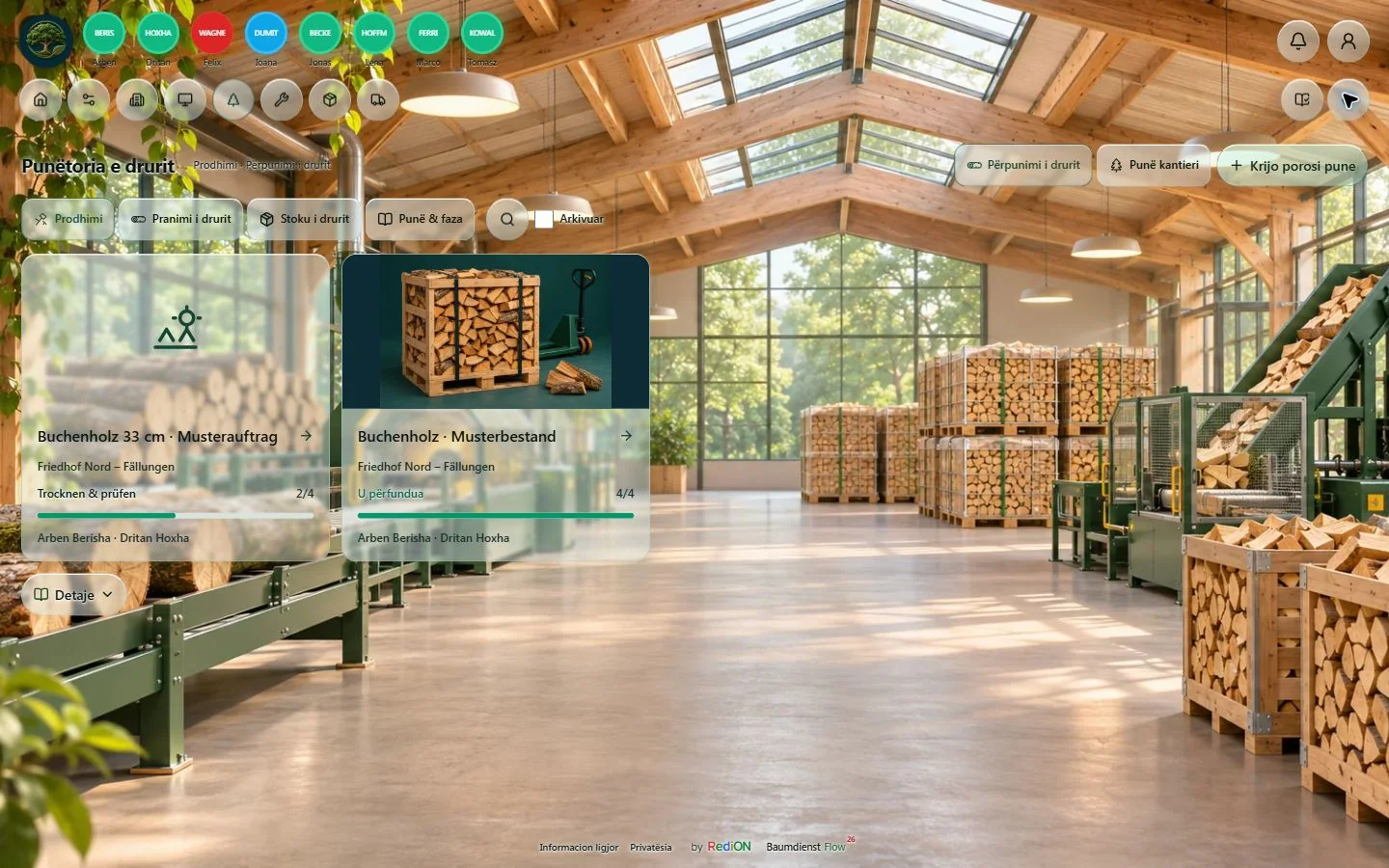
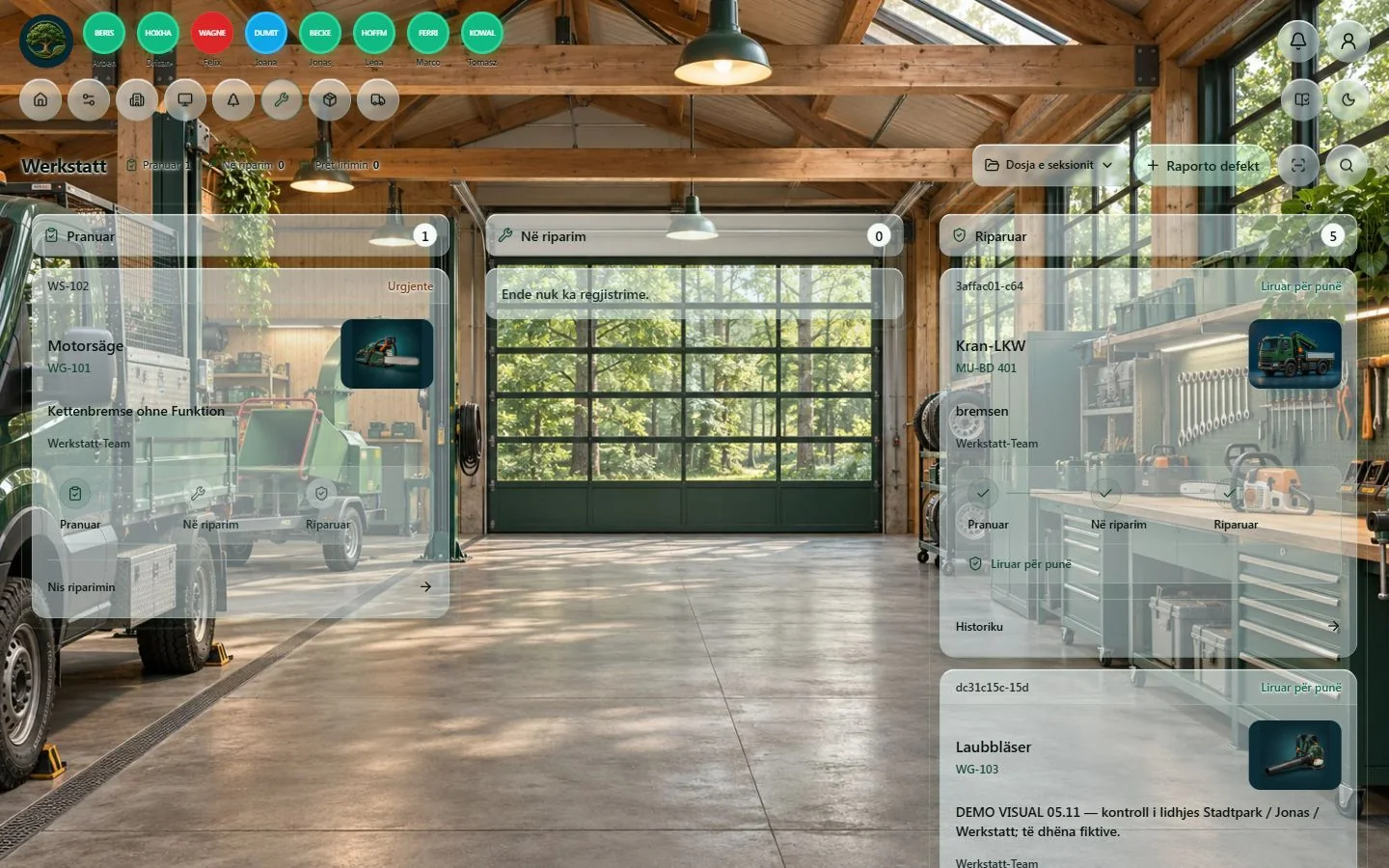
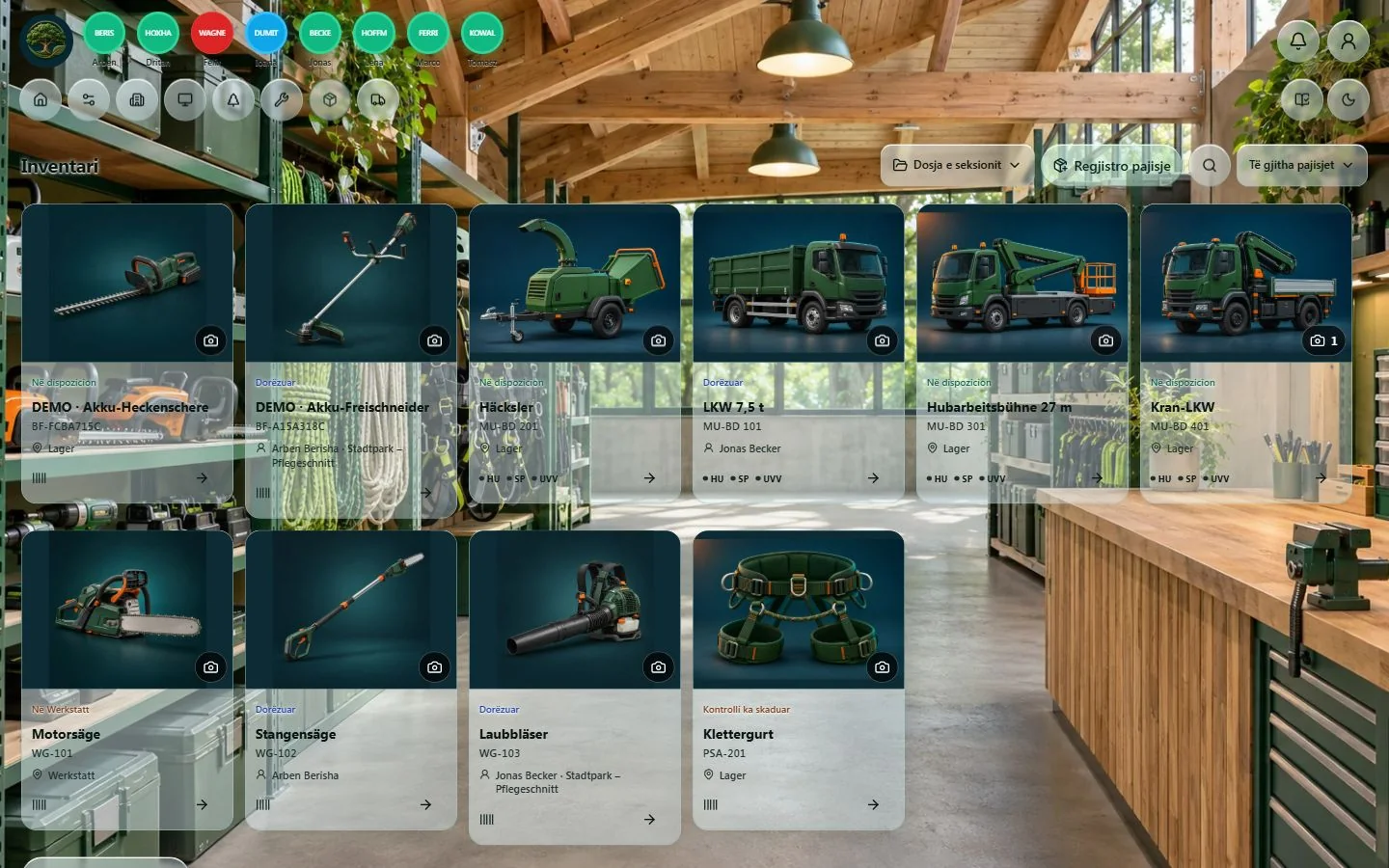
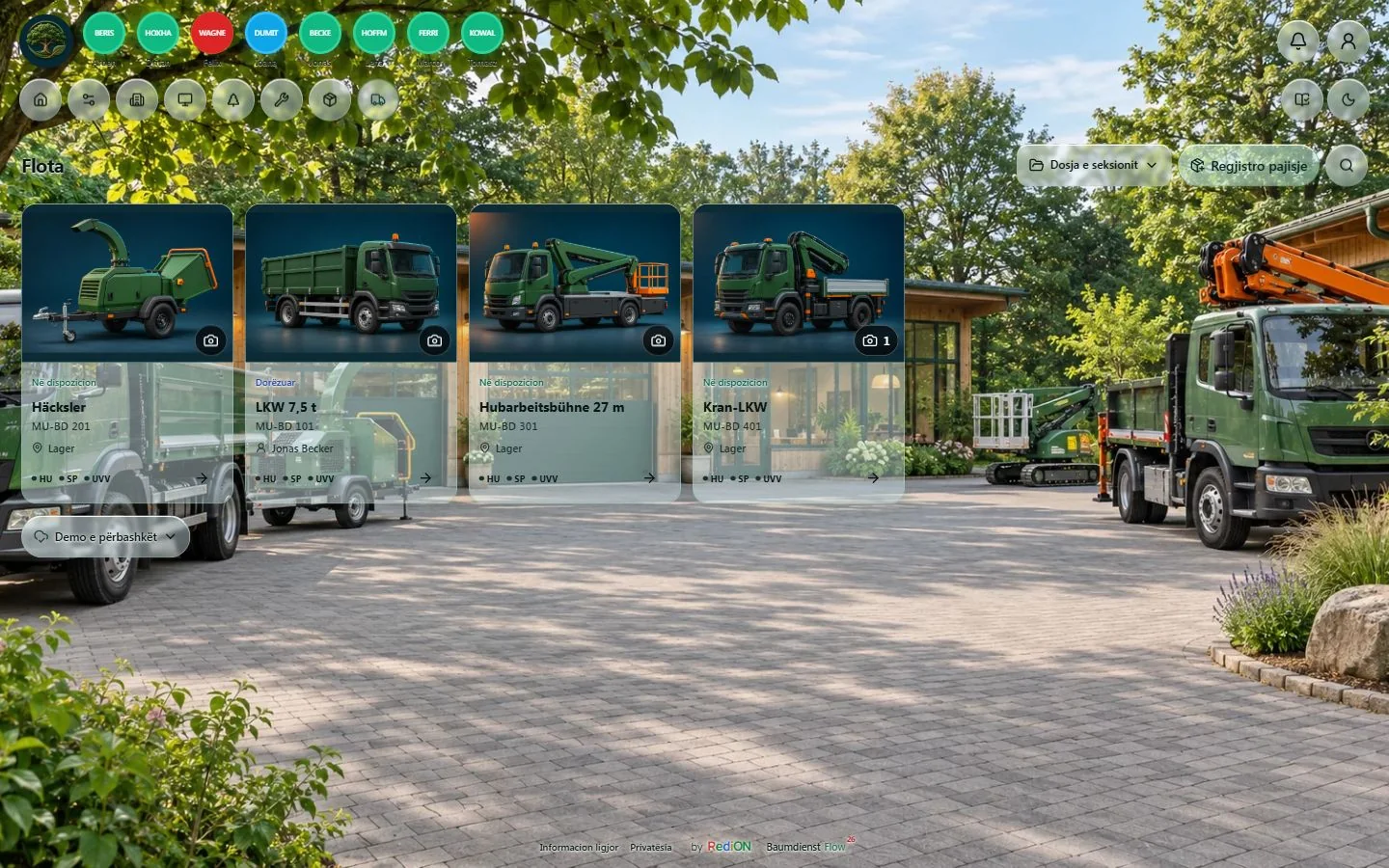
Actual Musterfirma demo captures · fictional data · 13–14 Nov 2026
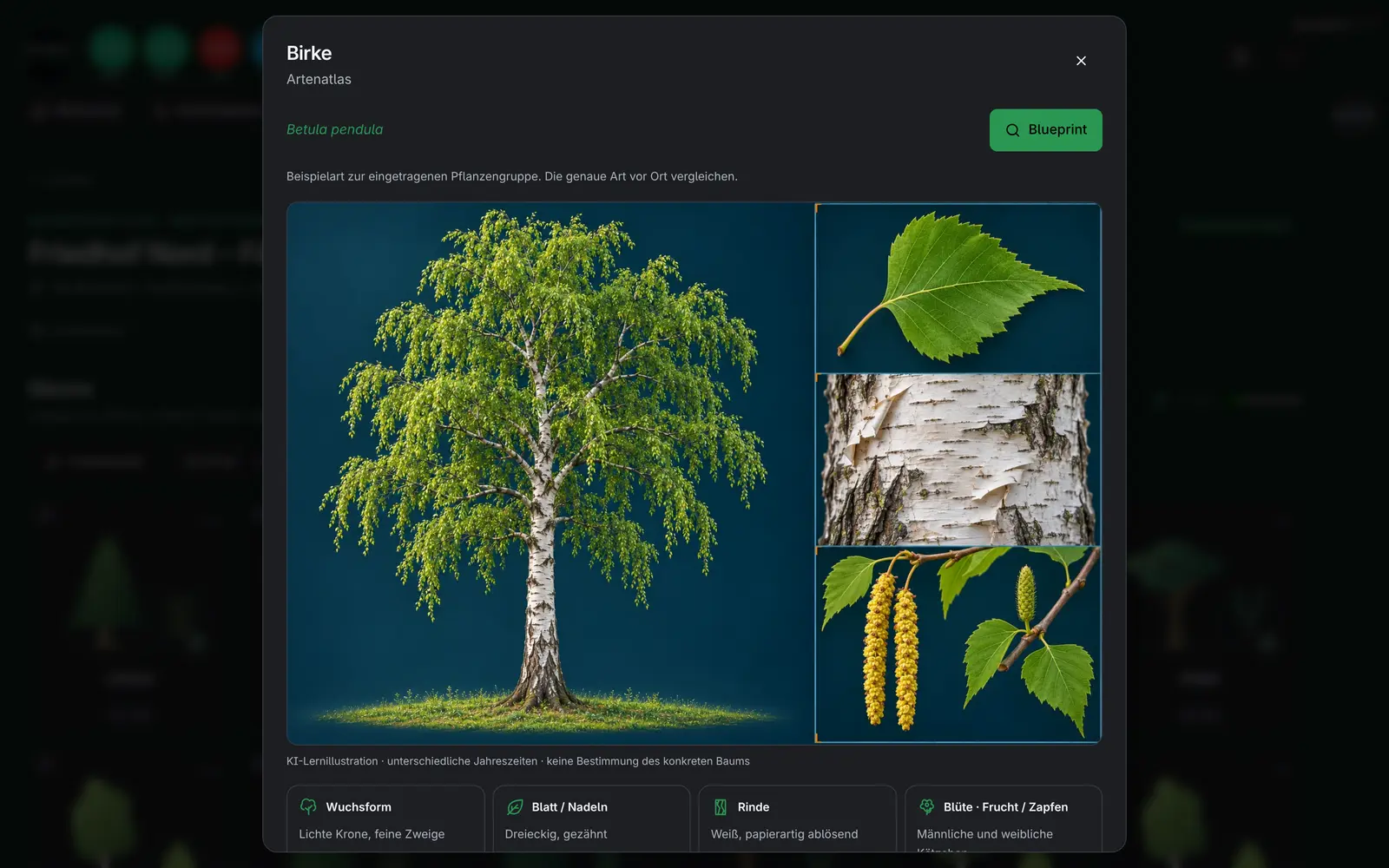
Tree form, leaf, bark and flowers help orientation. Learning illustrations, not automatic identification of a real tree.
Physical NFC, printing and camera use require acceptance on the relevant device. AI and connected services depend on company configuration and authorization.

Day / Night
Reception, management, finance, operations and client work have role-specific tools. Field workers keep their personal sign-in.
Dashboard view
The dashboard view shows the day and the month in charts: who works, how many hours, how far each site has come. It also runs as a big screen in the office.
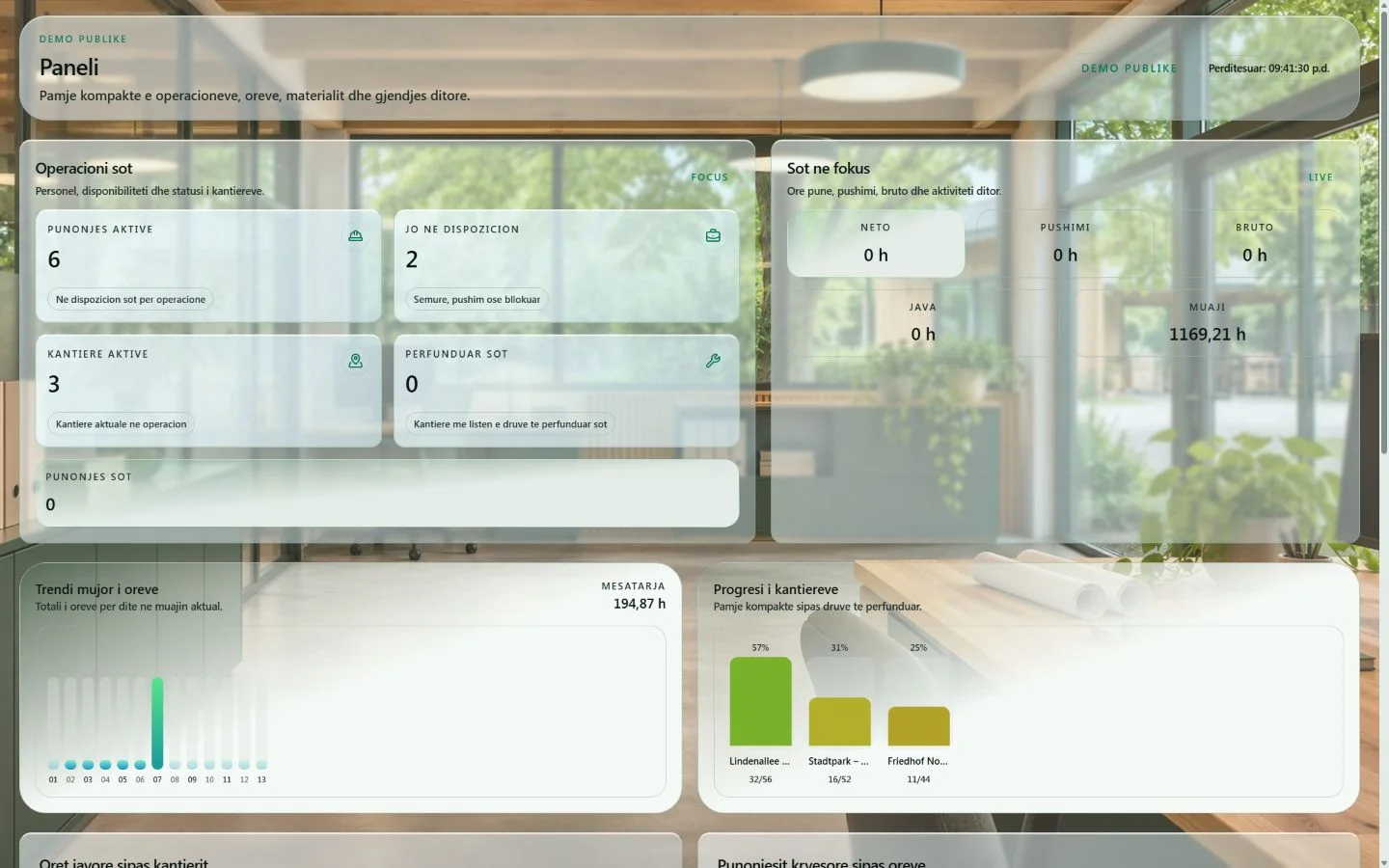
Actual Musterfirma demo captures · fictional data · 13–14 Nov 2026
Getting started
Explore the workflows in a fictitious sample company. The demo does not create your company.
Before starting, confirm the price, included services, data import and setup timing.
After separate setup and confirmation of the terms, the office uses the company account and the crew uses personal PINs.
Before you start
No fixed price is published on this page. Request a quote for BaumdienstFlow use and company setup; confirm the price and included services before starting.
BaumdienstFlow is intended for tree-service and tree-care businesses connecting office work, tree records, crews, working time and daily reports. Target markets are Germany, especially Essen and North Rhine-Westphalia (NRW), and Albania, with a focus on Tirana. It is business software, not a local tree-felling or tree-care contractor.
Describe your company, country, team size, vehicles and sites, languages and the workflows you want to organise. Aggregate counts are enough initially; agree the method and scope of importing company lists separately. Setup timing depends on the agreed scope.
No. The public demo shows a sample company with fictitious data. Opening it or sending an enquiry does not create a production account, import company data or activate a service. Real access and setup are agreed separately; the demo is not operational acceptance for your company.
Access
The office signs in with the company account. Workers sign in on the phone with their personal PIN.
Physical NFC, printing and camera use require acceptance on the relevant device. AI and connected services depend on company configuration and authorization.
Free tools
Free · live
The knowledge library for field work: illustrated books, basic courses and tests on tree care, construction and safety. AI translation into the worker’s language and an assistant that answers from the company’s rules.
Open the libraryIn development · local beta
The digital twin of a tree. From photo to documentation: AI helps with measurements, the specialist reviews them, wind data comes from DWD and the report is a PDF. Opens from the tree card in BaumdienstFlow and as a tool in KiDraht.
A documentation aid. It does not replace a safety inspection by a specialist.